
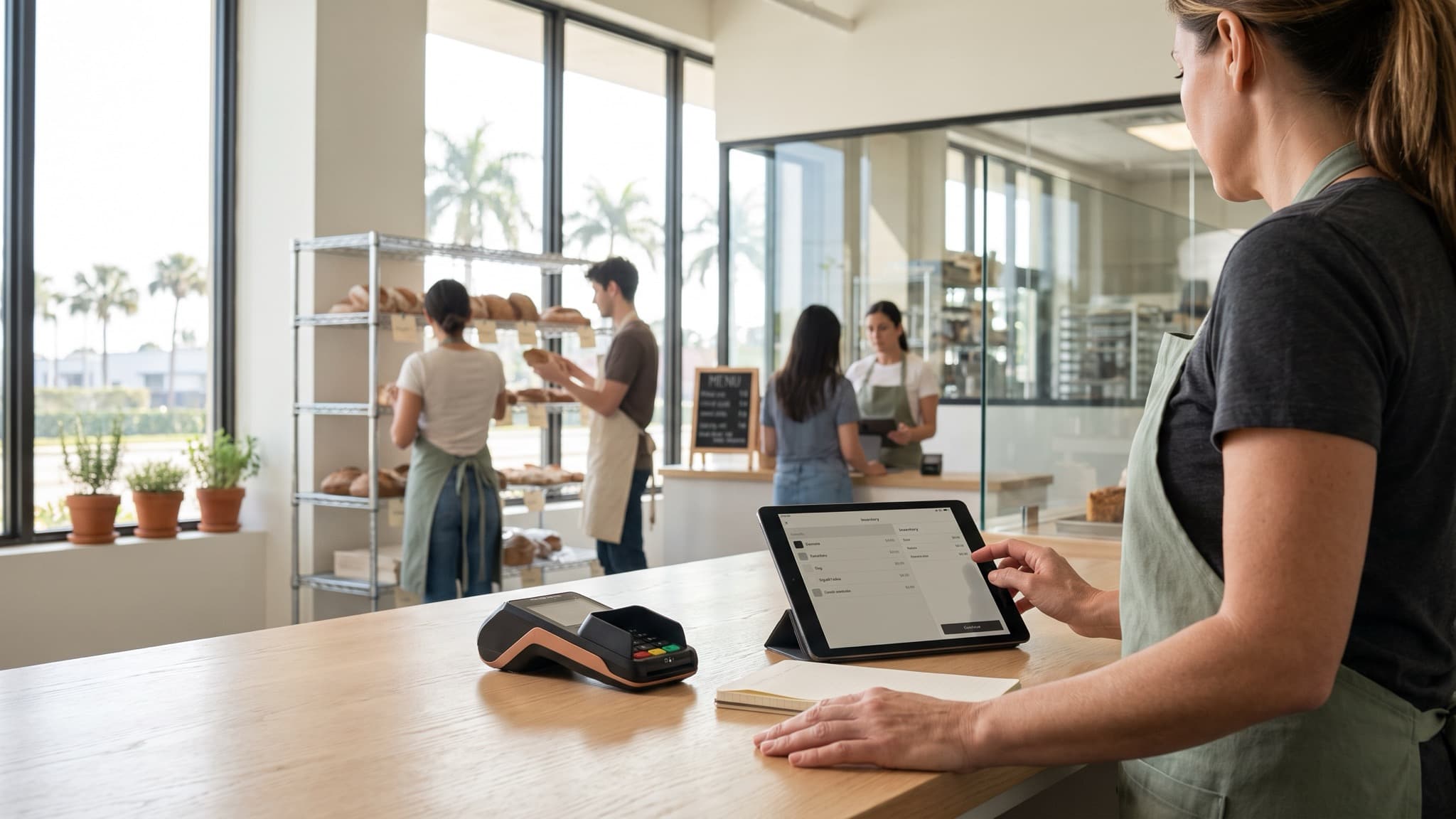
If you own a retail shop or a restaurant and want the best automations for small business work to actually pay back, start with three: inventory reorder flags, missed-call and quote follow-up, and shift and vendor scheduling. Each one removes a known tax on the owner's week, each one is cheap enough to build without a committee, and each one leaves a measurable baseline to judge the next thing against.
What this covers
- Three automations that pay back fastest
- Hours and dollars each one returns
- What each one costs to build
- How to measure the return honestly
- The baseline discipline before you build
What to weigh
- Which hours the owner actually loses
- Whether missed calls are missed revenue
- How often reorder points surprise the shop
- Who sets next week's schedule today
- Where last month's numbers actually live
By the end you will be able to name which of these three to build first for your own shop, what counts as a win in the first thirty days, and the one baseline step most owners skip. You will also see how a small on-site build keeps the business's own numbers out of a public cloud chatbot while it does the work.
Aceleron Intelligence builds private AI systems for law firms and local businesses in South Florida. This piece is written by our build team from engagements we have run in 2026.
01 / The landscape
Small-business AI adoption in the United States is no longer a rounding error. The 2026 Small Business AI Gap Report found that 74 percent of small-business owners now use or pilot AI, up from 64 percent in 2025, and 87 percent of adopters say AI saved them time [1]. Stanford's 2026 AI Index puts organizational adoption at 88 percent across all firms [3], and the Homebase gap by revenue tells the rest of the story: only 54 percent of businesses under 500,000 dollars use AI, against 81 percent at 5 million or more [1]. The owner on the small end is not behind because the tools are hard. The owner is behind because almost nothing on the shelf is pitched at a shop with eight employees and a reorder problem.
What the owner's week actually looks like
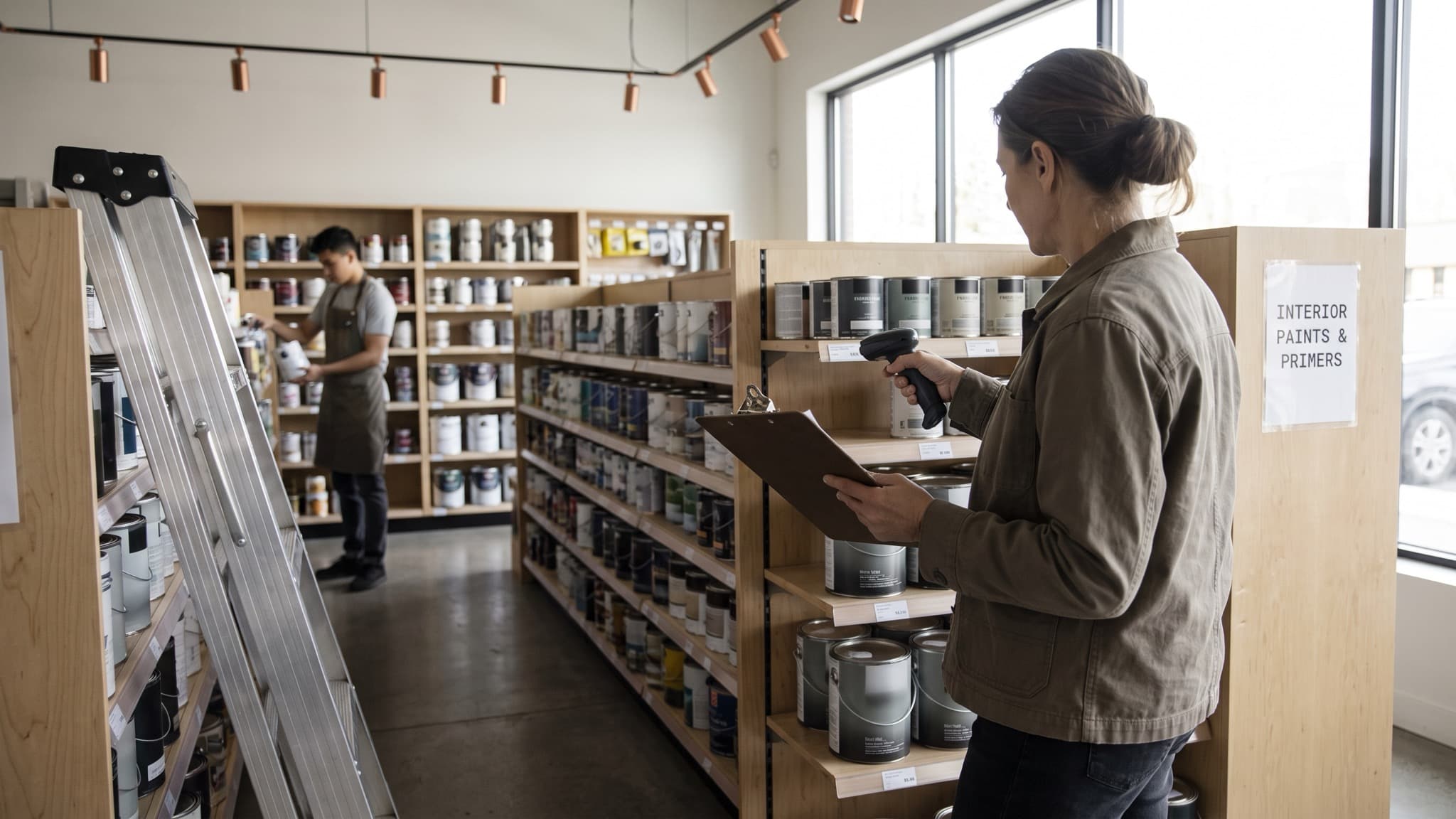
Walk into a small restaurant or retail shop on a Monday and the week is already set by the same three jobs. Someone counts what is on the shelf and calls the vendor before it runs out. Someone calls back the people who called the shop over the weekend. Someone publishes next week's schedule and chases the dishwasher who did not confirm.
- Reorder: counting what is low, placing the order, checking the invoice
- Follow-up: returning calls, sending the quote, nudging it twice
- Scheduling: drafting shifts, pushing them out, chasing confirmations
Each of those jobs is small on any given day. The sum of them is the owner's Saturday morning.
Why these three and not the newer ones
Most AI pitches aimed at a shop are a public chatbot bolted onto the front door or a general-purpose assistant that lives in a tab the owner never opens. Neither is an automation. An automation runs on its own schedule, reads the shop's own data, and produces a specific artifact: an order, a reply, a schedule. These three already correspond to real hours the owner spends by hand, which is the only honest way to tell whether the automation is working.
02 / How to decide
Most owners we talk to are not stuck on whether AI can do the work. They are stuck on which one to build first, and whether the tool they already pay for every month can do it without a separate build. The honest answer depends on where the shop's data lives and whether the shop wants a record of what the automation changed.
| Dimension | Public cloud chatbot | Aceleron on-site build |
|---|---|---|
| Where it reads your sales and inventory | Not connected to your POS at all | Reads the POS and the vendor list on the shop's own network |
| Who it calls back after a missed call | Nobody; you have to paste the number | The agent texts the caller inside two minutes, in the shop's voice |
| Where next week's schedule comes from | A conversation the owner has to run | Drafted from last month's traffic and the staff's stated availability |
| Record of hours it saved | None | A weekly line on a dashboard, tied to the baseline you measured |
| Where the shop's data sits | On servers you do not control | On the Mac mini in the back office, and it does not leave the building |
TABLE 01. BEST AUTOMATIONS FOR SMALL BUSINESS BY WHO ACTUALLY DOES THE WORK.
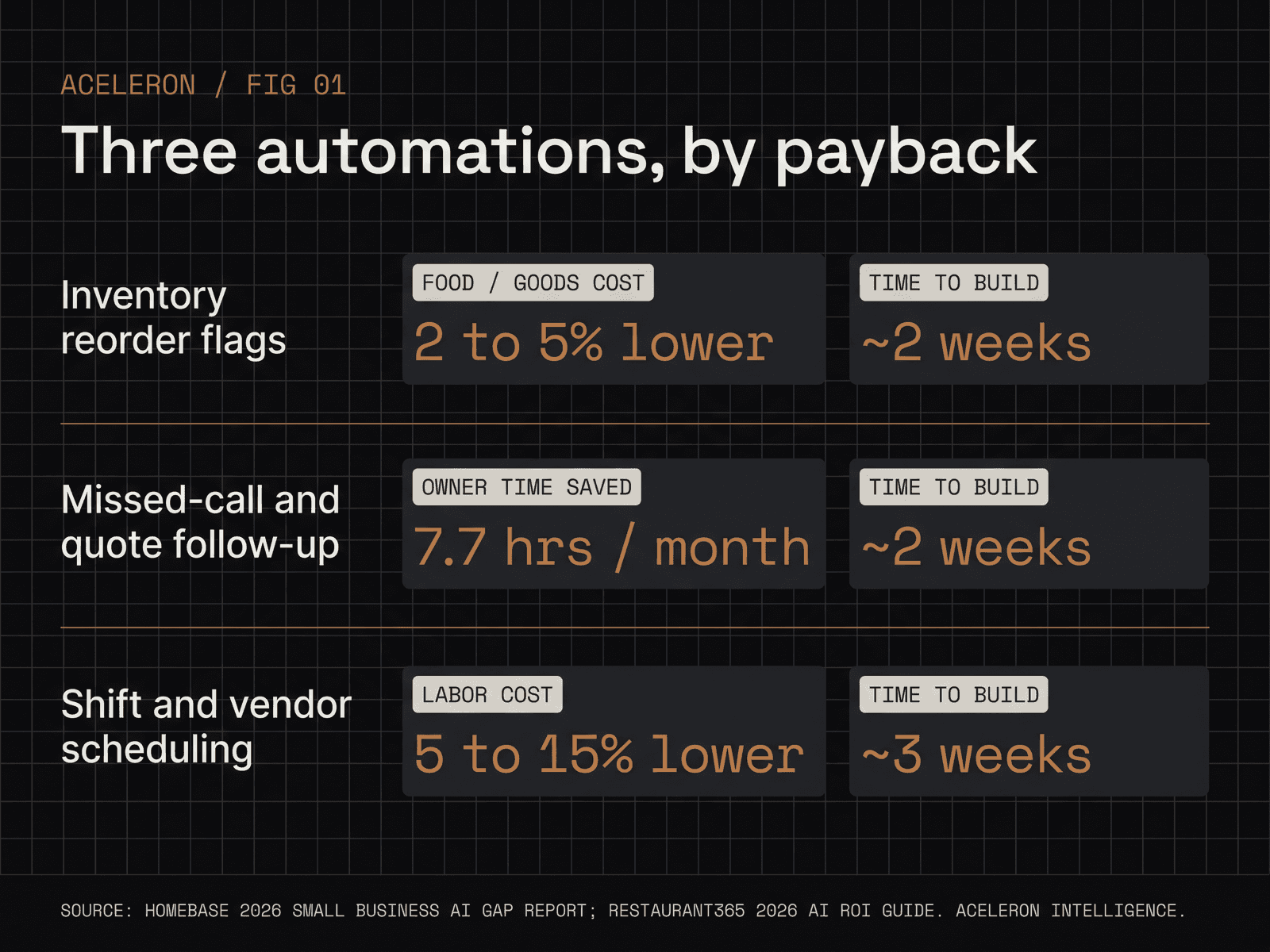
The single best move before you spend a dollar is picking the automation that corresponds to the hour your business loses most to today. For a restaurant that is almost always scheduling: a 2026 ROI guide puts labor forecasting and scheduling at a 5 to 15 percent labor-cost reduction, and the same guide puts automated inventory and purchasing at a 2 to 5 percent cost improvement [2]. For a service shop that lives on the phone it is missed-call follow-up, since the call that was not returned is the quote that was never written.
Practical checks
- Count how many calls to the shop went to voicemail in the last 30 days. If the answer is more than ten a week, missed-call follow-up is your first automation.
- Pull last month's labor cost as a percent of sales. If it is more than 32 percent at a restaurant or more than 18 percent at a retail shop, scheduling is first.
- Walk the shelves on a Friday afternoon. If more than three SKUs are empty or at a single unit of stock without an order placed, reorder is first.
- Count the owner's time: owners who use AI for scheduling and payroll together save roughly 7.7 hours and 343 dollars a month, which is about 4,100 dollars a year of time back in the owner's week [1].
Our services page walks through how we scope one of these in a two-week window before the owner has to commit to a bigger build.
Build in your current stack vs replace it
The cheaper path is to build on top of the POS, phone system, and scheduler the shop already uses. The agent reads data where it lives, writes the artifact into the same tool, and staff do not learn a new interface.
The more expensive path is replacing one of those tools with a new one that has the automation built in. That is sometimes right, almost never right first. Measure for one month on top of the existing stack, and only replace a tool if the new one earns the switching cost.
03 / Where this fits
The three automations work in the same three shapes almost everywhere, but the first one you build changes by business type. Pick the one that corresponds to the hour you lose most, build it, measure for 30 days, then add the next.
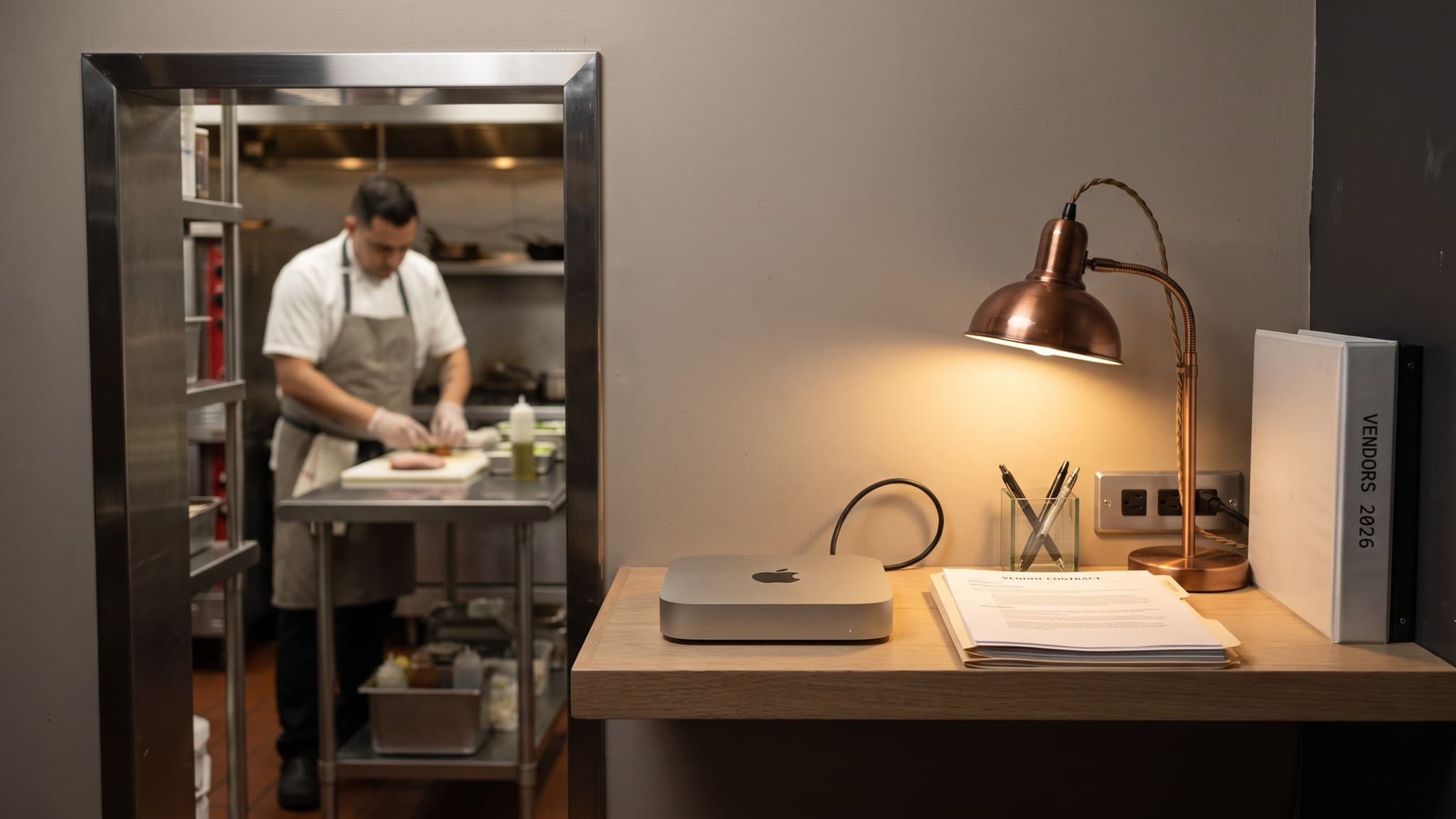
- A restaurant: shift and vendor scheduling first. The weekly draft moves from a two-hour Sunday-night job into a one-screen review, and the vendor orders go out on their own cadence instead of the day before the shelf is empty.
- A retail shop: reorder flags first. The agent reads the POS at close of business, compares it to a reorder point the owner set with the agent in week one, and surfaces the three SKUs that need an order placed in the morning.
- A service shop (plumbing, HVAC, electrical, auto, pet grooming): missed-call and quote follow-up first. The agent texts every caller inside two minutes, books the simple ones, and hands the complex ones to the owner with the whole thread already summarized.
Starter, standard, full build
- Starter: one of the three automations, a two-week build, one Mac mini on the shop's network. The owner sees the artifact (the order, the reply, the schedule) by week two.
- Standard: all three automations across a twelve-week window, plus a short weekly brief that lands on the owner's phone every Monday with what the automations did and what still needs a human.
- Full build: the three plus a dashboard that holds the baseline, the current month, and the dollar line each automation is returning against it. See the dashboard page for the shape of it.
Making it fit your business
- Pick the trigger yourselves. A reorder flag fires at a count you set, not at a vendor's push notification. A missed-call rule knows which numbers are suppliers, so it does not reply to them like customers.
- Decide what the automation hands to a person and what it finishes. A quote under 500 dollars can go out on its own; a quote over that waits for the owner to say send.
- Name who gets the Monday brief. One person, with authority to change the rules. Not a shared inbox nobody owns.
04 / How Aceleron builds this
Most owners we talk to have already tried a consumer chatbot for a schedule or a reply, and it either produced a plausible draft that got the facts wrong, or it would not connect to the POS at all. The gap is not that the models cannot write. The model has no view of the shop's own data, so what it writes is a decent guess instead of a specific answer. We close that gap by running the agent on a Mac mini on the shop's own network, pointed at the shop's own numbers.
- Every build starts with a baseline week: hours spent on the three jobs, dollars going out the door, before any automation runs
- The agent reads the shop's POS, phone log, and schedule where they already live, and writes back into the same tools so staff do not learn a new interface
- A weekly brief lands on the owner's phone every Monday with what the automations did and the dollar line each one returned
- The shop's data stays on the Mac mini in the back office; it does not leave the building, which is what keeps supplier terms, customer phone numbers, and payroll out of a public cloud service
An automation runs on its own schedule, reads the shop's own data, and produces a specific artifact: an order, a reply, a schedule.
- Aceleron Build Team, 10.2026
How to get the most out of this
- Measure for one week before anything runs. Owners who skip this cannot tell whether the automation worked, because they do not know what the week looked like without it.
- Set the trigger yourselves, in writing. A reorder point, a missed-call rule, a shift template. If the agent sets them for you, the agent owns the win and the loss, and you cannot tune it.
- Review once a week, not every day. The weekly brief is the review surface. Daily nudges turn a working automation into a notification tax.
- Add the second automation only after the first one has run for a full month on its own. Three at once hides which one is paying back and which one is a drag.
05 / FAQ
What is the best first automation for a small business to build?
For most retail shops it is inventory reorder flags; for most restaurants it is shift and vendor scheduling; for most service shops it is missed-call and quote follow-up. The right first one is whichever job the owner loses the most hours to today, not whichever one is loudest in the market.
How long does it take to build missed-call follow-up for a small shop?
About two weeks end to end: one week to connect the phone system and set the reply rules with the owner, one week to run it in shadow mode against real missed calls before it replies on its own. The owner sees the first live reply by the end of week two.
Will an AI scheduling tool work with the POS and phone system my shop already uses?
Usually yes. The agent reads data where it lives, including common restaurant and retail POS platforms, phone-system call logs, and the scheduler the shop already pays for. The real question is whether the existing stack exposes an API or an export; if yes, the build goes on top of what you have instead of replacing it.
How do I measure the return on a small-business automation without fooling myself?
Pick a baseline week before the automation runs and write down three numbers: hours the owner spent on the job, dollars the job touched, and errors it produced. Compare the same three at day 30. Most automations show their return in month two, not month one, so keep it running one more month before deciding.
References
[1] 2026 Small Business AI Gap Report. Guy Berger, Homebase. 2026-09-22. https://www.joinhomebase.com/blog/small-business-ai-gap-report.
[2] The Definitive 2026 Guide to AI ROI for Restaurant Operators. Restaurant365. 2026. https://www.restaurant365.com/blog/the-definitive-2026-guide-to-ai-roi-for-restaurant-operators/.
[3] The 2026 AI Index Report. Stanford University Human-Centered Artificial Intelligence. 2026. https://hai.stanford.edu/ai-index/2026-ai-index-report.
Conclusion
The best automations for small business owners are not the ones that look the most like AI. They are the three that already take real hours out of the owner's week, built on top of the tools the shop already runs, measured against a baseline the owner wrote down before any of it started. Pick one, build it in two weeks, run it for a month, then decide the next.
Book a free discovery call. We map where your hours and dollars go, then hand you a customized implementation plan. No cost, no obligation, and no public cloud chatbot in the loop. Grab a 30-minute slot at book.aceleron.ai/intro-30, or start with a note on our contact page.